
GEOBOK · Chrome and Edge extension
Audit webpages.Trace AI citations.
Open the page you are editing and find what needs work in the side panel. Then explore how AI answers mention your brand and follow the links to their sources.
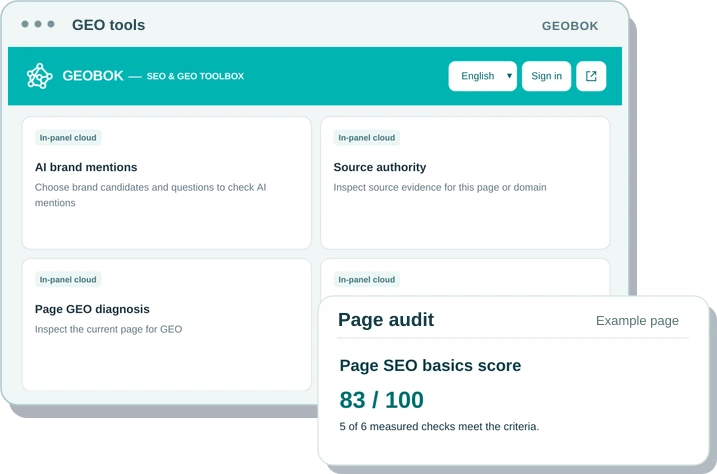
Find the element that needs an edit
Inspect titles, descriptions, crawl rules and page structure. The score comes with specific findings and suggested changes for your editor or developer.
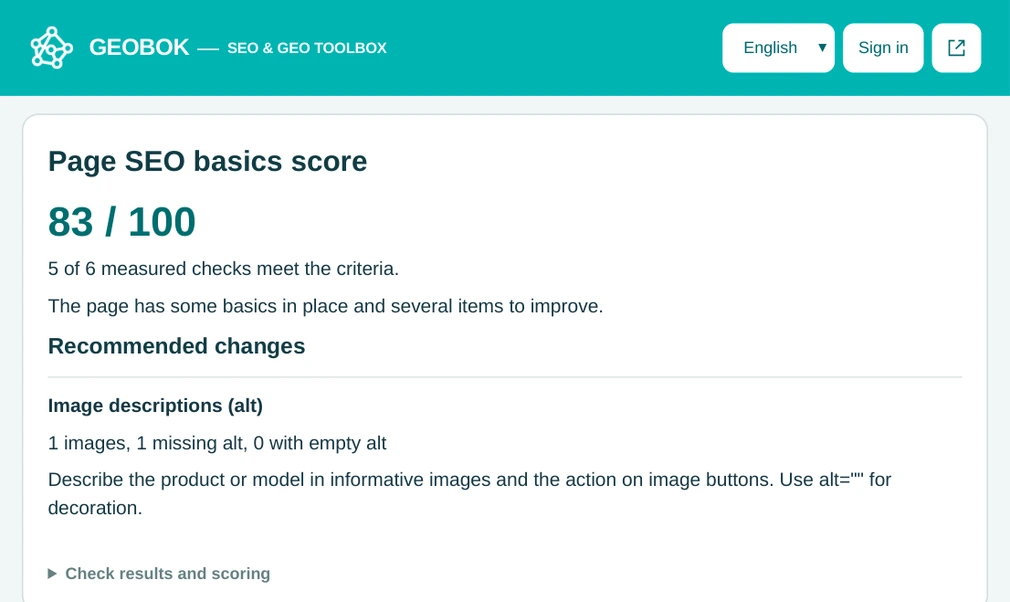
- Locate images with missing alt attributes. Review empty alt text separately.
- Inspect nofollow and other link attributes, canonical URLs and structured data.
- Check HTTP status, redirects and robots.txt when you need to investigate access.
Which source did the AI answer cite?
Run a brand-mention check using your brand and a question your audience asks. Compare mentions in the answers, then use source lookup to inspect matching samples for a domain or URL.
Use the chunk simulator to see which explanations and references stay together when a passage is divided.
Example of a mention and a citation
- User question
- Which headphones have replaceable ear pads?
- Brand mention in the answer
- The example brand’s headphones have replaceable ear pads.
- Source cited in the answer
- example.com/help/earpads
Give the next person a clear set of edits
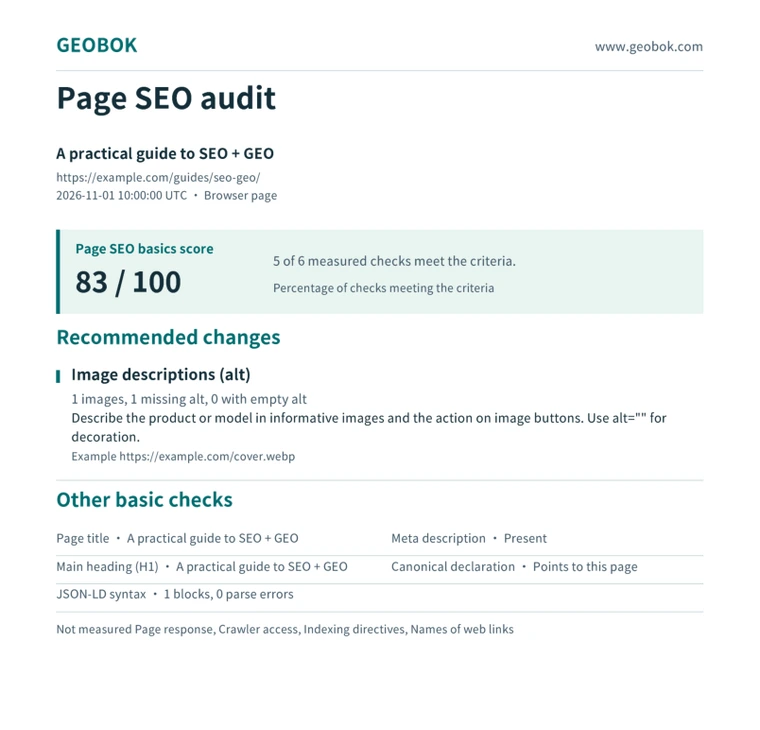
Download a PDF with conclusions, findings and suggested changes. Recheck the same URL after publishing an edit or save a result in local history.
A full report fits in up to three pages, a single check in one. Export the underlying details as JSON when needed.
Free features and PRO
Free to use
Run basic page checks, inspect images and links, simulate chunks and export local reports. Some online tools offer a guest allowance.
Account and PRO
Sign in for online tasks included with your account. PRO adds scheduled monitoring for selected URLs. Trial eligibility and usage limits appear in your account.
Start with a page in your browser
- Get the installation link for Chrome or Edge and add GEOBOK to your browser.
- Open a public webpage and click the GEOBOK toolbar icon.
- Choose “Check current page” or open GEO tools to review brand mentions and sources.
Frequently asked questions
Do I need an account to inspect a page?
Open a regular webpage to check its content, images and links and download a local report. Online tasks, trials and monitoring follow the access rules for the selected tool and account.
How do I distinguish a mention from a citation?
A mention means the answer names the brand. To verify a citation, open the source link supplied in that particular answer and check the linked page and its content.
How do I check whether an edit worked?
After publishing the change, reopen the same URL and rerun the same check. Compare the specific findings, such as images missing alt text or links with nofollow, and download an updated report.
Product support · info@geobok.com
 English ▾
 Chinese (Simplified)